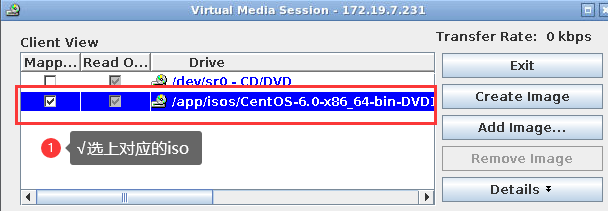










C6220 model mount ISO
-------------------------
First select virtual media to mount
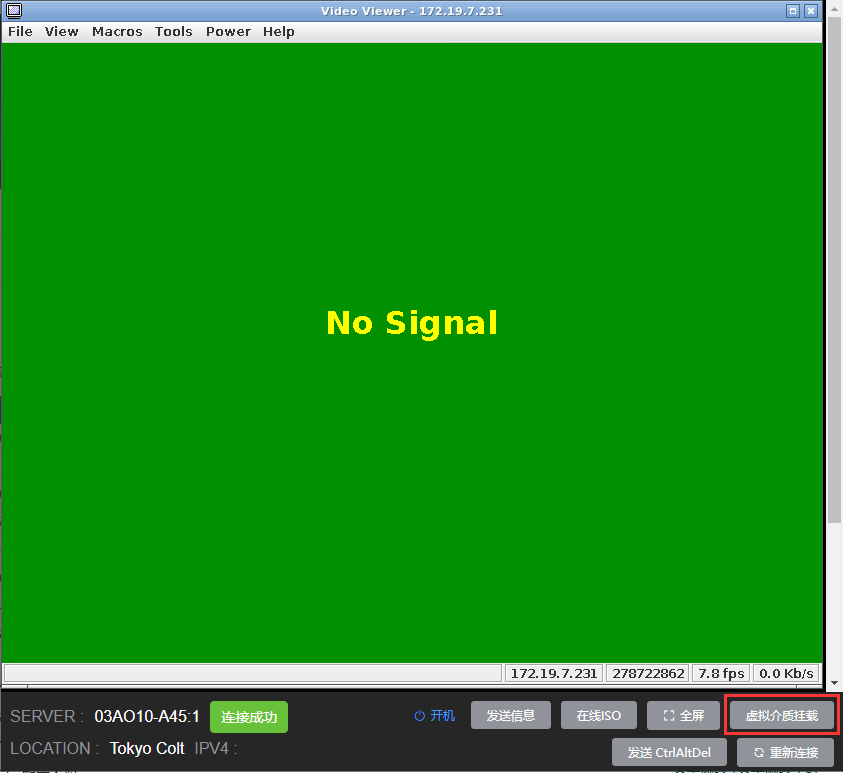
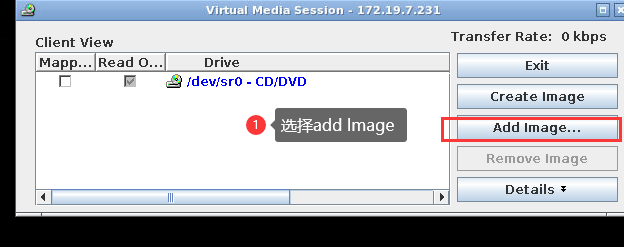
The following options will appear when virtual media mounting is enabled
1Select Add lmage
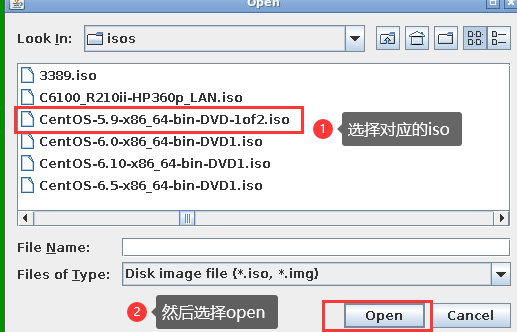
1: Select the corresponding ISO
2: Then select open
Select the corresponding ISO as shown in the figure √, and mount it to this location successfully